
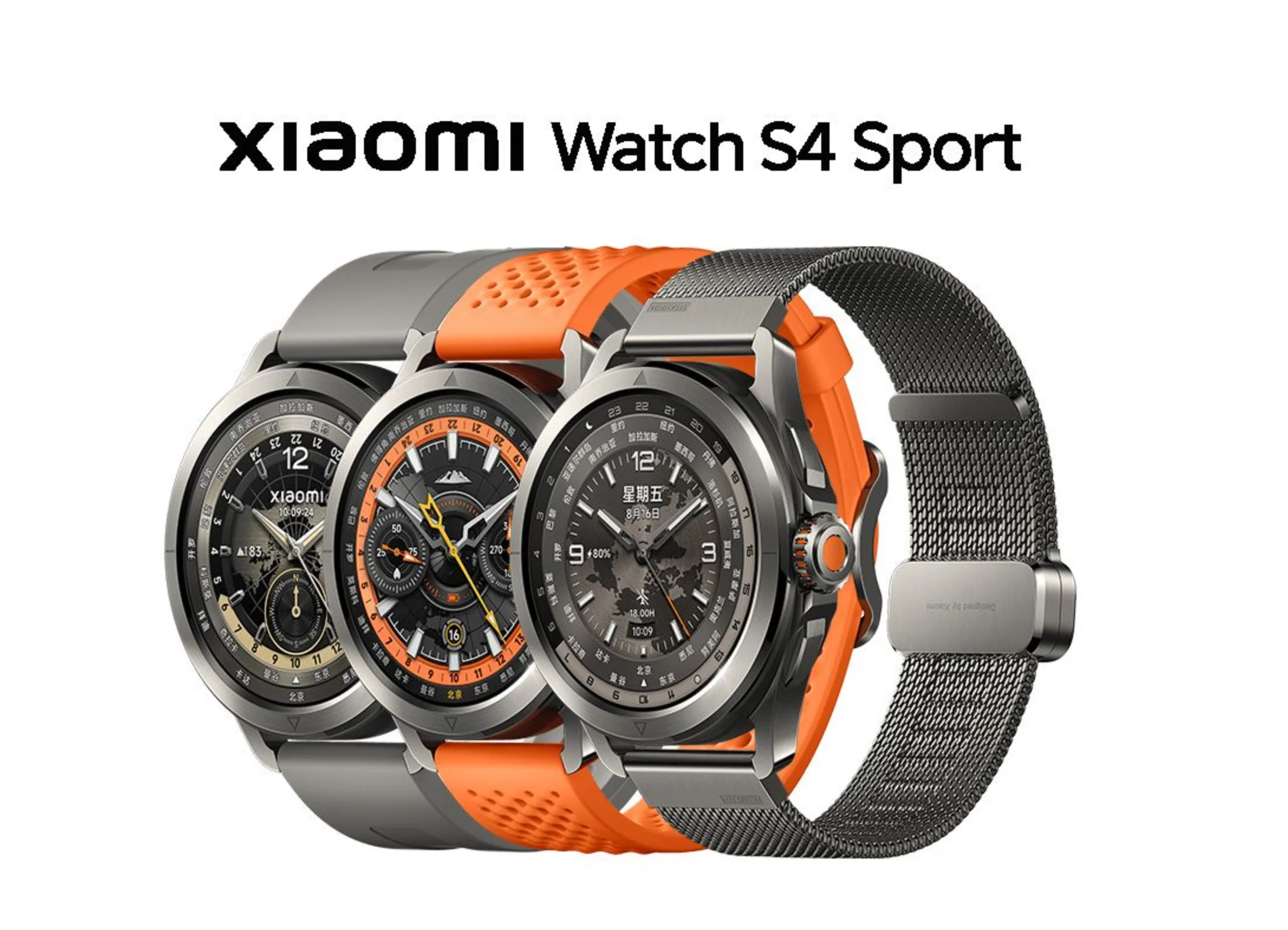
Xiaomi Watch S4 Sport
Noticed: This is Original Xiaomi Watch S4 Sport of China Version only Support English & Chinese Now. More languages will be update later.
How to use:
1. make sure phone is IOS 12.0 or Android 6.0 and above and charge it full
2.Phone search Download the latest App " Mi Fitness "
3. open app "Mi Fitness " and phone Bluetooth . then Login account. Set the region to China in the app
4.in the app , Choose to add devices, band close to phone ,Follow the prompts(Please go to an open place without other devices nearby , and make good network and Bluetooth)
When connect app " Mi Fitness " , it need set the app Region to China .
If you want change the band to to English , It need change your phone language to English .
Then you can Return to own language , The band can keep English.
Please know .
More Images
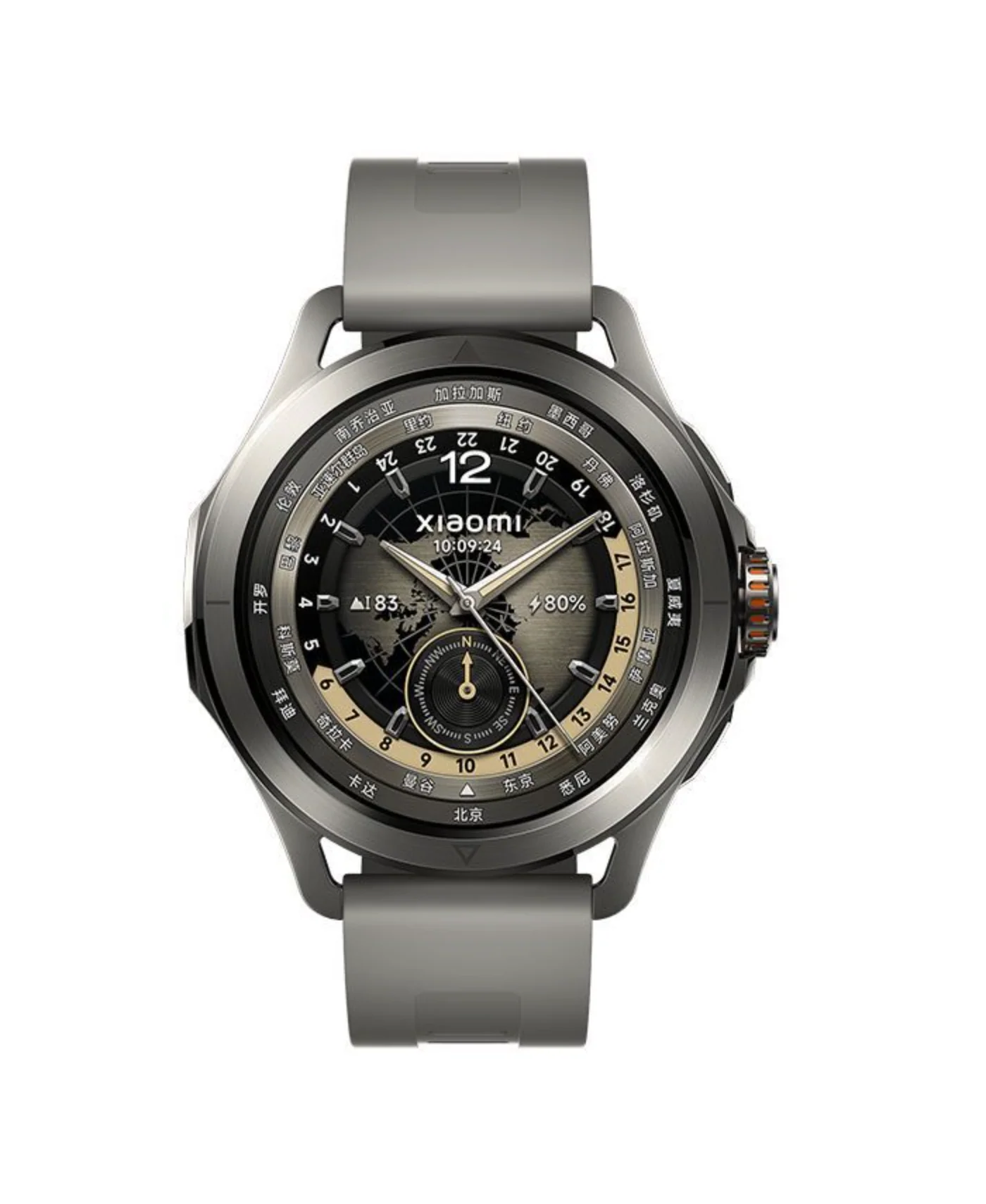
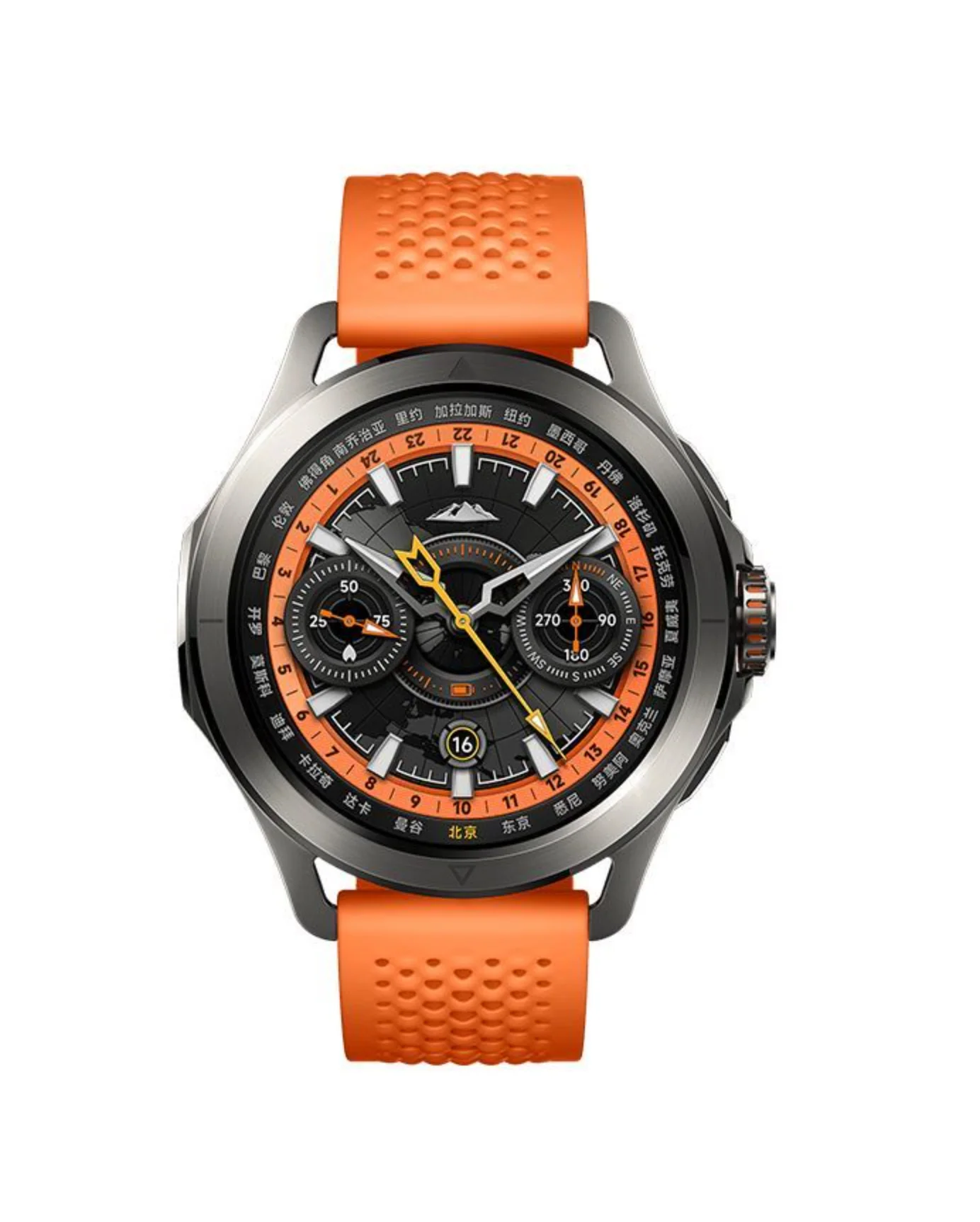
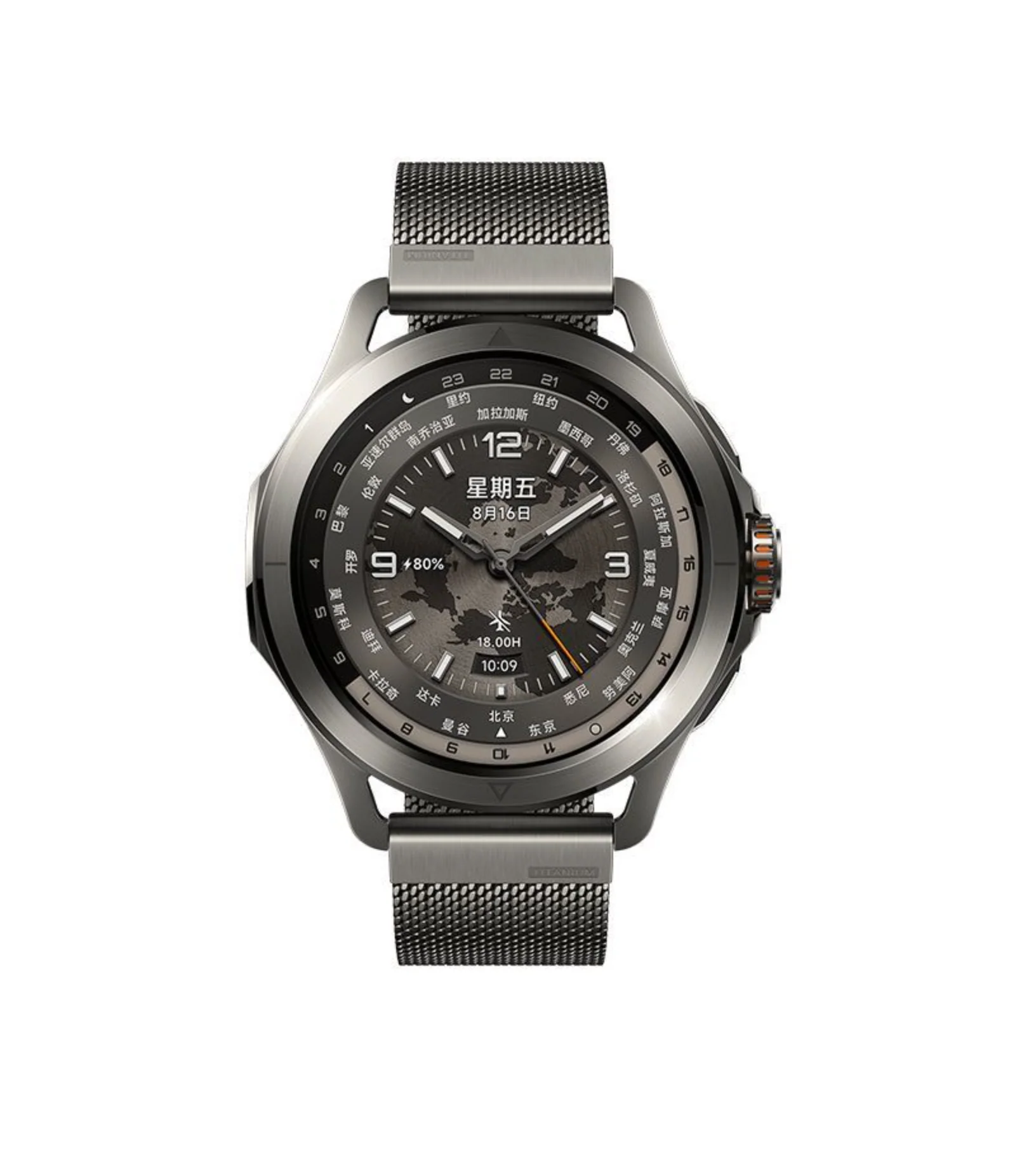
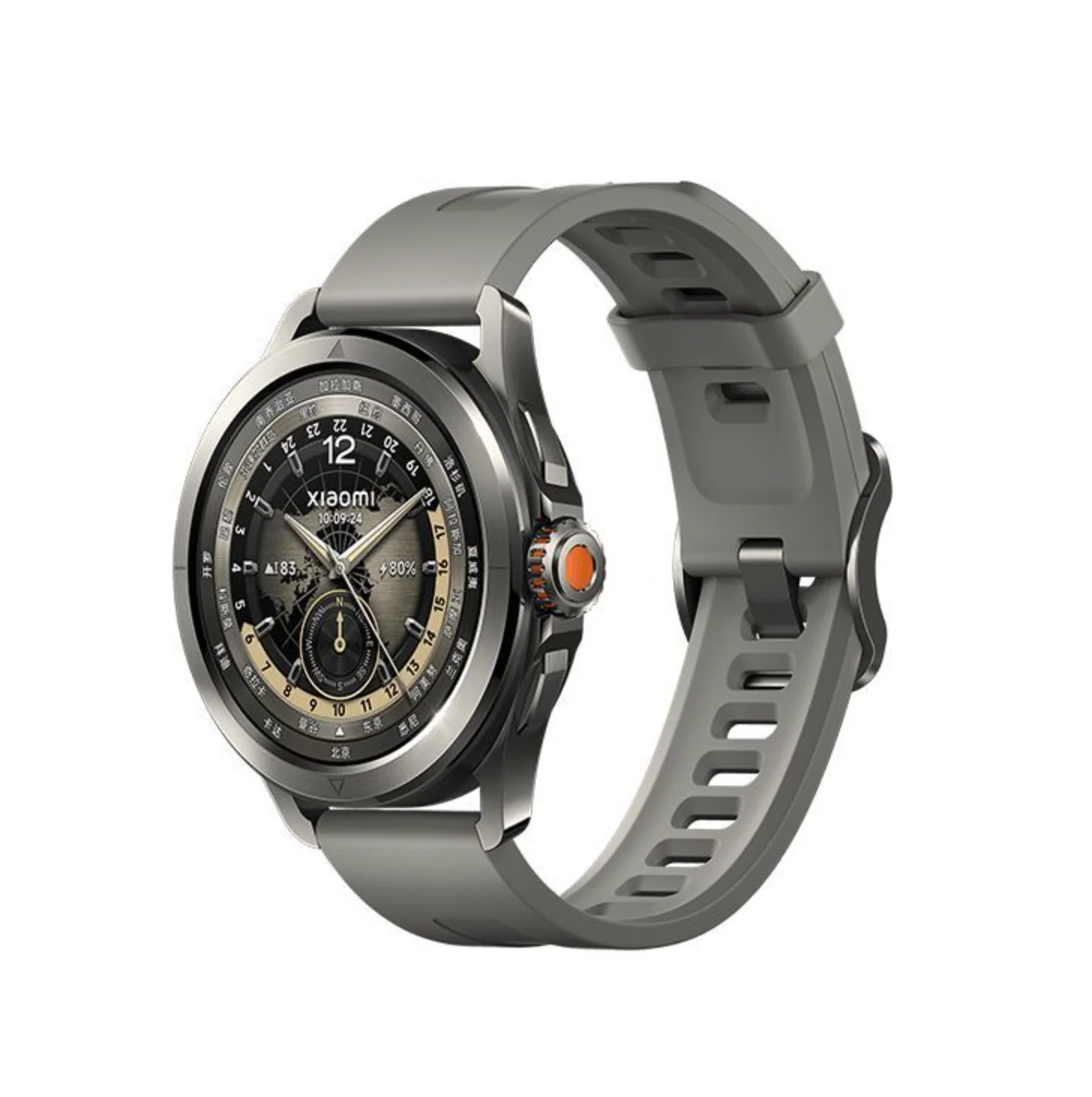
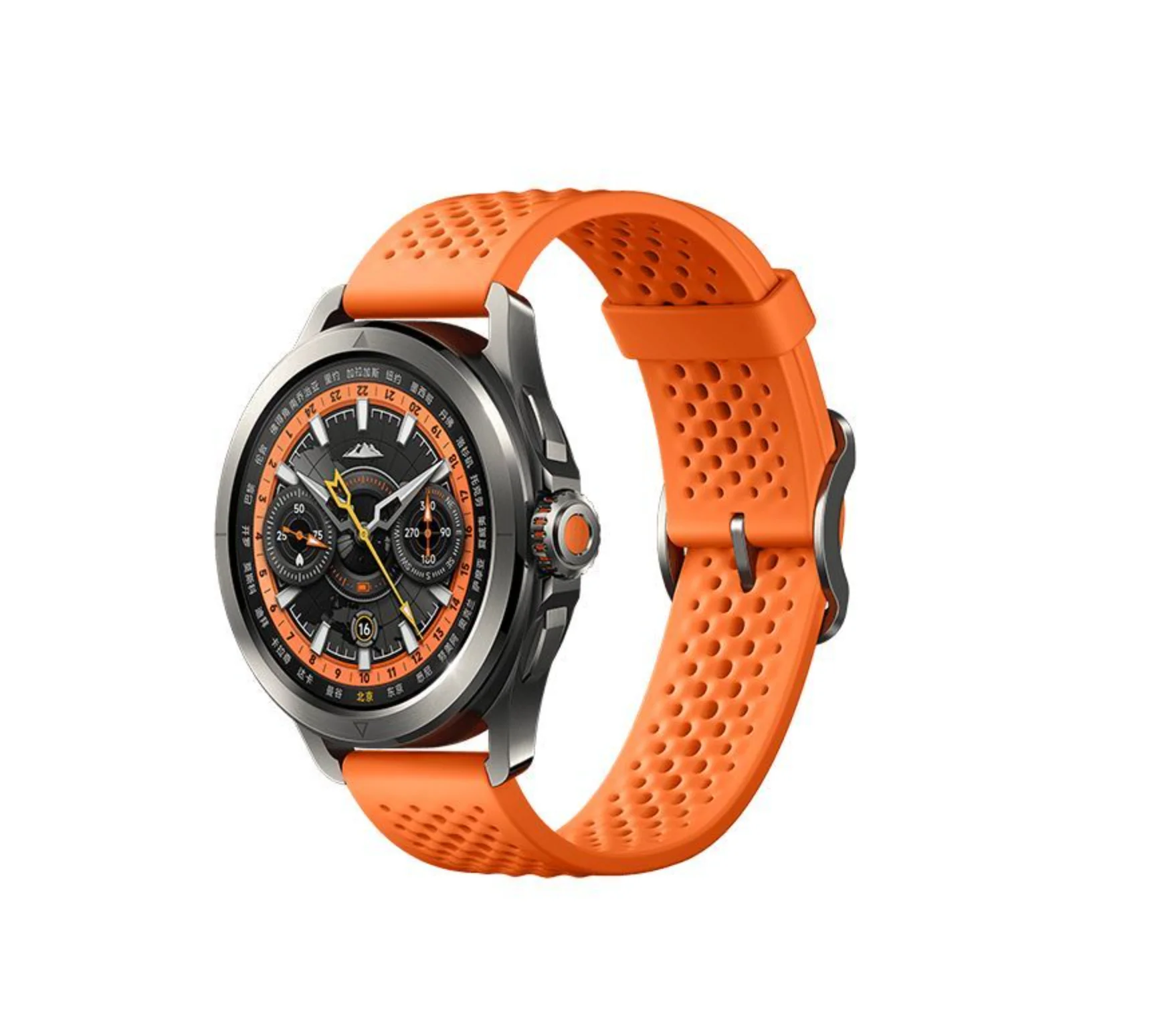
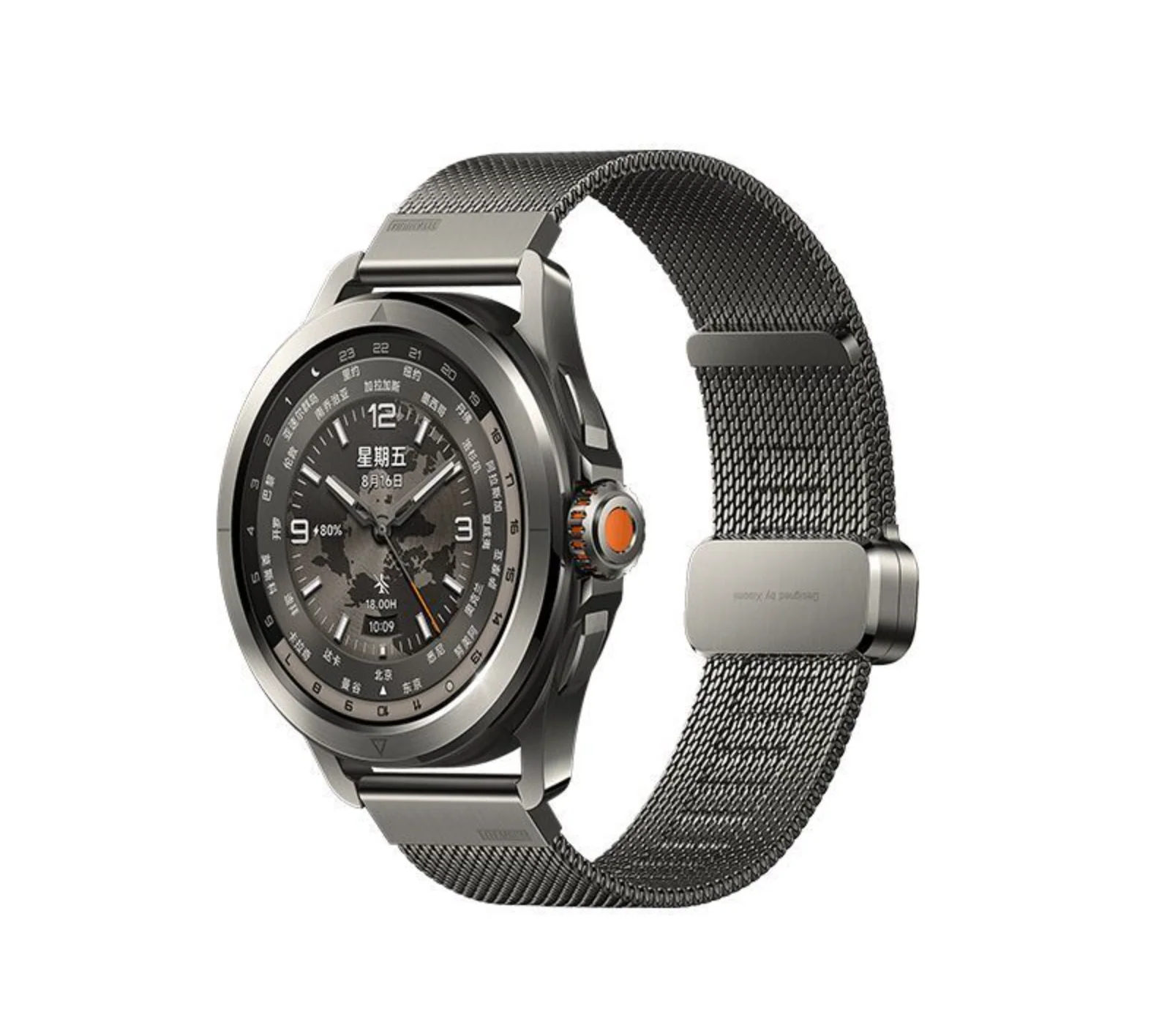
Xiaomi Watch S4 Sport
Noticed: This is Original Xiaomi Watch S4 Sport of China Version only Support English & Chinese Now. More languages will be update later.
How to use:
1. make sure phone is IOS 12.0 or Android 6.0 and above and charge it full
2.Phone search Download the latest App " Mi Fitness "
3. open app "Mi Fitness " and phone Bluetooth . then Login account. Set the region to China in the app
4.in the app , Choose to add devices, band close to phone ,Follow the prompts(Please go to an open place without other devices nearby , and make good network and Bluetooth)
When connect app " Mi Fitness " , it need set the app Region to China .
If you want change the band to to English , It need change your phone language to English .
Then you can Return to own language , The band can keep English.
Please know .
Product Information
Product Information
Shipping & Returns
Shipping & Returns
Description
Noticed: This is Original Xiaomi Watch S4 Sport of China Version only Support English & Chinese Now. More languages will be update later.
How to use:
1. make sure phone is IOS 12.0 or Android 6.0 and above and charge it full
2.Phone search Download the latest App " Mi Fitness "
3. open app "Mi Fitness " and phone Bluetooth . then Login account. Set the region to China in the app
4.in the app , Choose to add devices, band close to phone ,Follow the prompts(Please go to an open place without other devices nearby , and make good network and Bluetooth)
When connect app " Mi Fitness " , it need set the app Region to China .
If you want change the band to to English , It need change your phone language to English .
Then you can Return to own language , The band can keep English.
Please know .